AI Pathfinder, Issue #34
The line between AI that writes code and AI that uses it just disappeared.
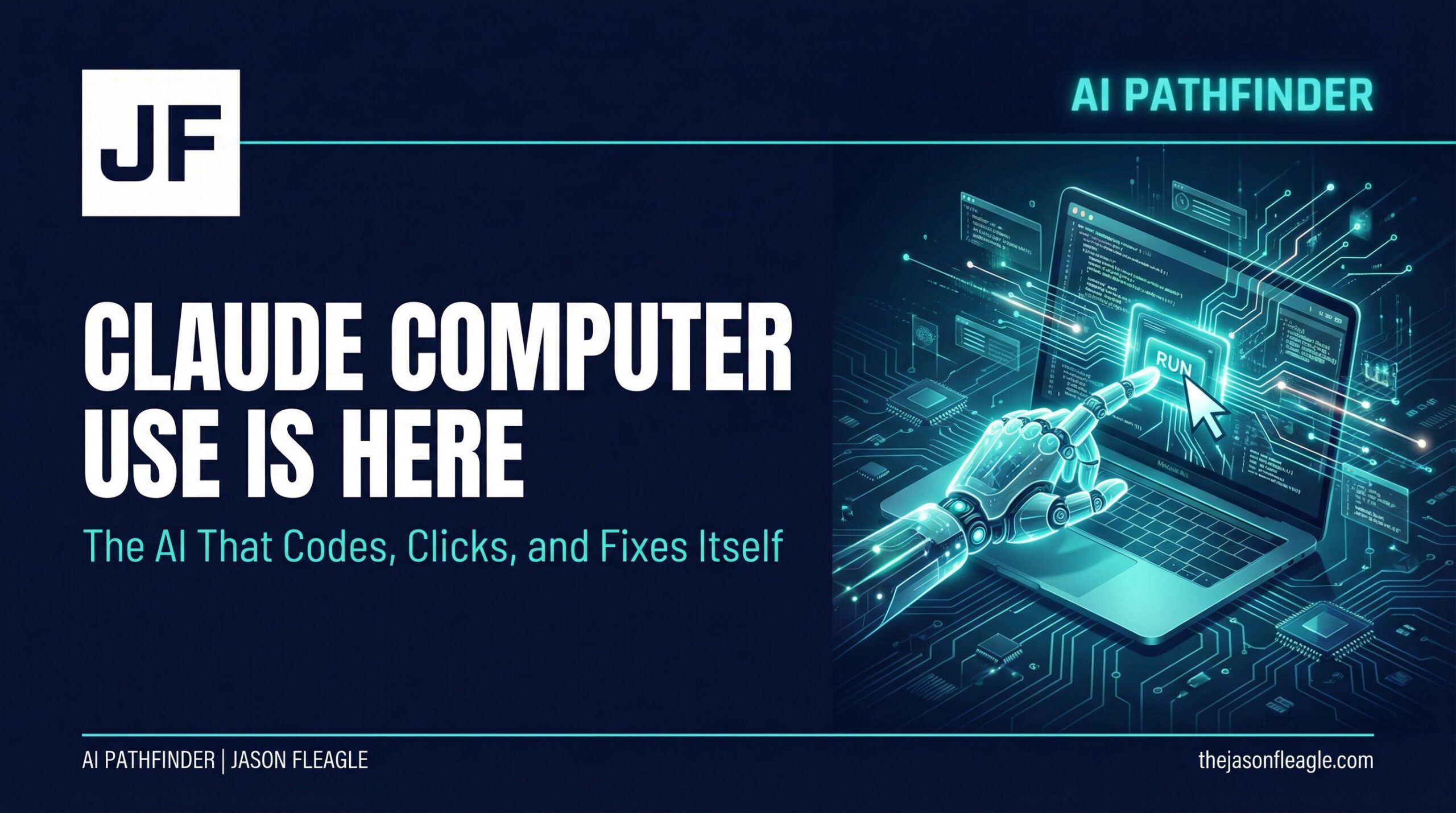
This morning, Anthropic shipped Computer Use for Claude Code. It’s a feature that sounds simple on the surface but represents a fundamental shift in how we interact with AI development tools.
Claude can now open your apps, click through your UI, and test what it built, right from the command line. It sees your screen, controls your mouse, and types on your keyboard.
In one prompt, Claude can write the code, compile it, launch the app, find the bug, fix it, and verify the fix. The entire development loop, from idea to validated output, can now run inside a single, autonomous session.
This isn’t just a new feature, but more like the quiet arrival of the agentic developer.

The End of the Disconnected Workflow
For years, the AI coding workflow has been a disconnected, multi-step process:
- Prompt the AI: Ask it to write a function, a component, or a full application.
- Copy & Paste: Move the generated code from the AI’s interface to your local IDE.
- Run & Test: Manually compile the code, launch the app, and click around to see if it works.
- Debug: Find the inevitable bugs, screenshot them, or describe them in text.
- Return to Step 1: Feed the error back to the AI and repeat the cycle.
This clumsy loop is the primary bottleneck in AI-assisted development. It’s slow, it’s manual, and it relies entirely on the human operator to bridge the gap between the digital world of code and the visual world of the user interface.
Computer Use collapses that loop.
By giving Claude access to the GUI, Anthropic has created a system that can operate in both worlds simultaneously. It can reason about the abstract logic of code and observe the concrete, visual output of that code on the screen.
This is a profound change. It means Claude can now handle tasks that were previously impossible for a code-only model:
- End-to-End UI Testing: Point Claude at a local app and tell it to “test the onboarding flow.” It will open the app, click through the buttons, and report back. No Playwright or Cypress configuration needed.
- Visual Debugging: Tell Claude “the modal is clipping on small windows.” It will resize the app, reproduce the bug, screenshot the broken state, patch the CSS, and verify the fix.
- Automating the Unautomatable: The most underrated impact, as Gagan Saluja pointed out, is the ability to drive GUI-only tools. Think of the millions of hours wasted on legacy enterprise software that has no API, no CLI, and no path to automation. Computer Use can now serve as the universal adapter for this entire category of software.
The Trust Boundary Just Moved
This power comes with a critical trade-off: the sandbox is gone.
Unlike Claude’s sandboxed Bash tool, which isolates filesystem and network access, Computer Use runs directly on your desktop. It has access to the apps you approve, and it can see what’s on your screen.
Anthropic has built in several important guardrails:
- Per-App, Per-Session Approval: Claude must ask for permission to use an app the first time in every session.
- Sentinel Warnings: It flags apps that grant broad access to your shell, filesystem, or system settings.
- Global Escape Hatch: You can press the Esc key at any time, from anywhere, to immediately stop Claude and revoke its control.
- Session Lock: Only one Claude session can control your machine at a time.
But the fundamental reality is that the trust boundary has shifted. You are no longer interacting with a firewalled tool; you are collaborating with an agent that has real access to your local environment. This requires a new level of situational awareness and a clear understanding of what you’re asking the agent to do.
Your 3-Step Action Plan
This isn’t a feature to ignore. It’s a signal of where the entire industry is heading. Here’s how to prepare.
1. For Developers: Become a Loop Manager.
Your job is no longer just to write code. It’s to design the objective, manage the development loop, and verify the outcome. Start experimenting with Computer Use on Pro or Max plans. Find its limits. Understand its failure modes. The developers who master prompt-driven, full-stack testing will have an incredible advantage over those still stuck in the copy-paste cycle.
2. For Leaders: Re-evaluate Your Automation Roadmap.
That legacy desktop app that was “impossible” to automate? That internal tool with no API? They may not be impossible anymore. The ROI calculation for automating GUI-based workflows just changed dramatically. Task your teams with identifying one high-value, previously-unautomatable workflow and pilot a solution with Computer Use.
3. For Everyone: Mind the Trust Boundary.
Treat this feature with the respect it deserves. Start with simple, low-risk tasks. Use it in a dedicated, non-production environment first. Pay close attention to the permission prompts and understand exactly what you are granting access to. The power of agentic tools requires a corresponding increase in operator discipline.
Claude taking control of the desktop isn’t the end of the developer’s job. It’s the beginning of a new one — one that’s less about writing lines of code and more about defining outcomes and managing intelligent systems.
The future of development is agentic. And it just arrived.
Ready to Build Your AI Workforce?
If you’re ready to move from AI experiments to building a true AI-powered workforce, let’s talk. We help organizations design and implement the strategies and systems needed to thrive in the agentic era.
- Work with me on AI consulting →
- See more case studies →
- Subscribe to my YouTube channel →
- Learn AI marketing fundamentals →
About Jason Fleagle
Jason Fleagle is a Chief AI Officer and Growth Consultant working with global brands to help with their successful AI adoption and management. He helps humanize data—so every growth decision an organization makes is rooted in clarity and confidence. Jason has helped lead the development and delivery of over 500 AI projects & tools, and frequently conducts training workshops to help companies understand and adopt AI. With a strong background in digital marketing, content strategy, and technology, he combines technical expertise with business acumen to create scalable solutions.