
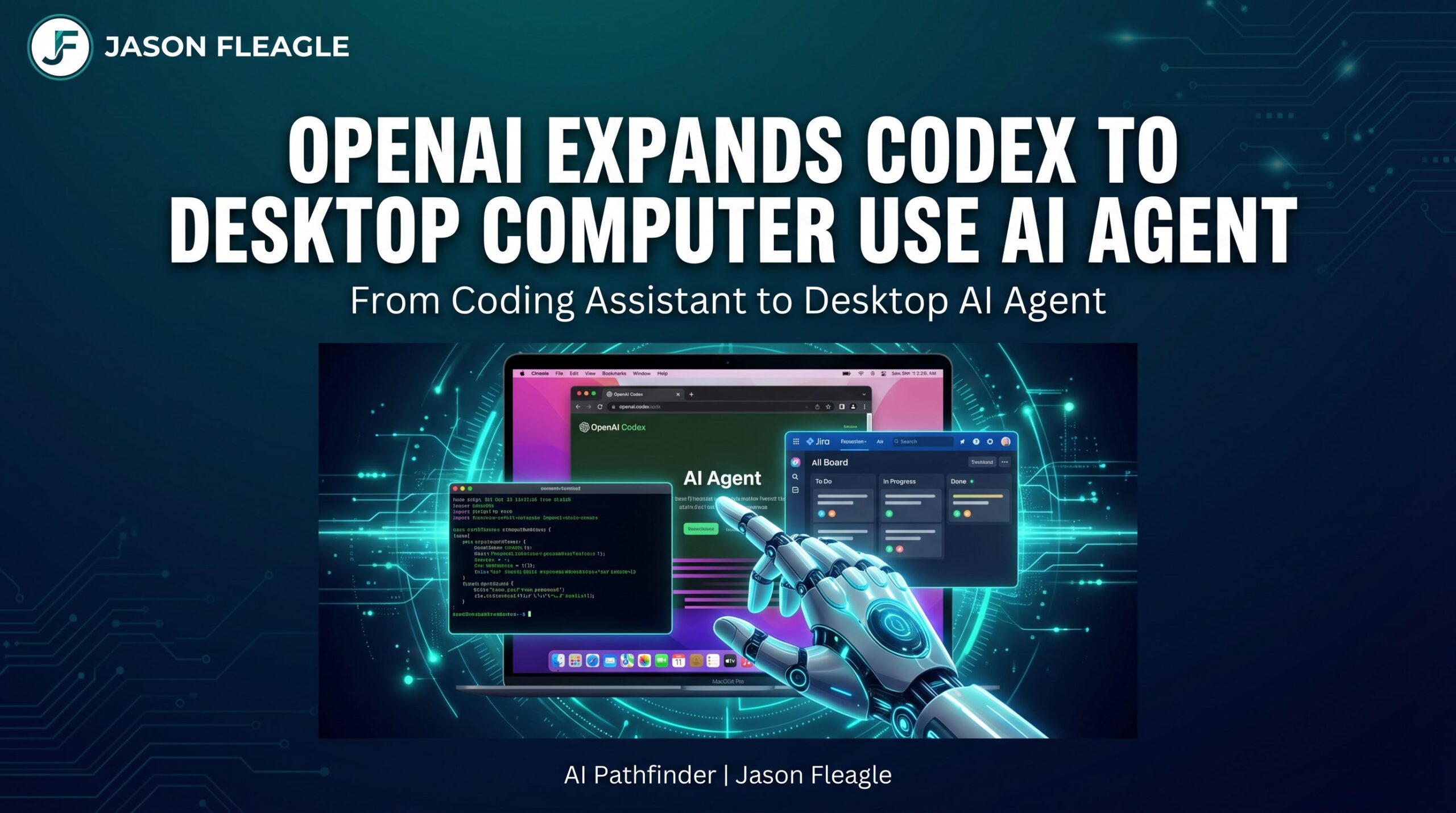
You should know that OpenAI has just turned Codex from a narrow coding assistant into a broad desktop automation and agent platform with capabilities that go far beyond writing code — and that shift has huge implications for developer productivity, enterprise governance, and security.
At its core, the April 16, 2026 update expands Codex to operate across your computer like a real assistant — clicking, typing, running background tasks, and interacting with apps through a native desktop app (macOS first) alongside developers rather than just generating code.

Key Enhancements Shipped in This Expansion
This is a fundamental shift in how AI interacts with your operating system from OpenAI. This is their first real release competing with things like Claude Cowork. Here are the key capabilities:
- Background Computer Use: Codex agents can see, click, and type in apps on macOS in parallel with your own work, effectively turning the AI into a GUI-level automation engine.
- In-App Browser Integration: A built-in browser lets you annotate live web content as instructions and automate browser flows without external tools.
- Persistent Memory & Scheduling: Codex can remember context and preferences and resume tasks across sessions or days. It can even wake up automatically to continue long-term tasks.
- 90+ Plugins: A large ecosystem of integrations (e.g., Jira, GitLab, Microsoft Suite) lets agents span dev, productivity, and business tools without hand-coding integrations.
- Developer Workflow Boosts: Better PR review support, multi-terminal tabs, SSH devbox connections, and richer previews for files.
The Enterprise Implications: Governance & Security
For teams, this means Codex can now drive real tasks across tools and workflows, not just generate code. But that also introduces significant governance and security needs.
This is no longer a simple SaaS seat rollout. Enterprise pilots are being positioned as endpoint and automation governance projects. You need:
- Plugin Vetting: Strict control over which of the 90+ plugins are allowed to access your corporate data.
- Endpoint Controls: Visibility and restrictions on what the agent can click, type, and execute on the local machine.
- Scoped Privileges: Ensuring the agent operates with the principle of least privilege, especially when running background tasks.
The Strategic Shift: OpenAI vs. Anthropic
OpenAI is moving from “AI that helps you write” to “AI that does the work for you.” This is a direct counterattack against Anthropic’s recent moves, specifically Claude Code and the Mythos Preview.
While Anthropic has been pushing the boundaries of agentic coding and cybersecurity (with the associated risks and safeguards), OpenAI is democratizing desktop-level agentic automation for the masses. The AI arms race is no longer about who has the smartest chatbot, but more about who has the most capable, integrated, and secure agentic platform.
For deeper context on the Anthropic side of this arms race, see: Anthropic Releases Opus 4.7: The Safe Prelude to Mythos and Meta Launches Muse Spark: Multi-Agent AI for 3 Billion Users.
Your Operator Action Plan
If you are leading an engineering or IT team, here is how you should approach the new Codex:
- Run Controlled Pilots: Start with a small, vetted group of developers on macOS. Do not roll this out broadly until you understand the endpoint implications.
- Audit Your Endpoints: Ensure you have the right endpoint controls and visibility before enabling background computer use. You need to know what the agent is doing when you aren’t watching.
- Measure Token Costs: Agentic workflows consume tokens differently than chat. With pay-as-you-go pricing for teams, measure the ROI and token burn before scaling.
Frequently Asked Questions
What is OpenAI Codex desktop computer use?
OpenAI Codex desktop computer use is a new capability released April 16, 2026, that allows the Codex AI agent to see your screen, click apps, type, and run background tasks on macOS — operating like a real desktop assistant alongside you.
How is Codex different from a traditional AI coding assistant?
Traditional AI coding assistants generate code in a chat interface and stop there. The new Codex can operate your entire computer — clicking through GUIs, running terminal commands, managing files, and integrating with 90+ tools like Jira, GitLab, and Microsoft Suite — all in the background while you work.
Is OpenAI Codex safe for enterprise use?
Codex is enterprise-ready with proper governance. Teams need to implement plugin allowlists, endpoint controls, and scoped privileges before broad deployment. OpenAI recommends treating this as an endpoint and automation governance project, not a simple SaaS rollout.
How does OpenAI Codex compare to Anthropic Claude Cowork?
Both are agentic desktop AI platforms. Anthropic’s Claude Cowork focuses on deep integration with the Claude model family and safety-first deployment. OpenAI’s Codex desktop agent emphasizes breadth — 90+ plugins, background computer use, and scheduling — making it a more open platform for developer workflows.
References
[1] OpenAI: Codex for (almost) everythingAbout Jason Fleagle
Jason Fleagle is the Head of AI for Netsync and an AI and Growth Consultant working with global brands to help with their successful AI adoption and management. He helps humanize data — so every growth decision an organization makes is rooted in clarity and confidence. Jason has helped lead the development and delivery of over 500 AI projects and tools, and frequently conducts training workshops to help companies understand and adopt AI.
If you want to build real-world AI systems that drive revenue and leverage, let’s talk.